No, I’m not going to buy an elephant!
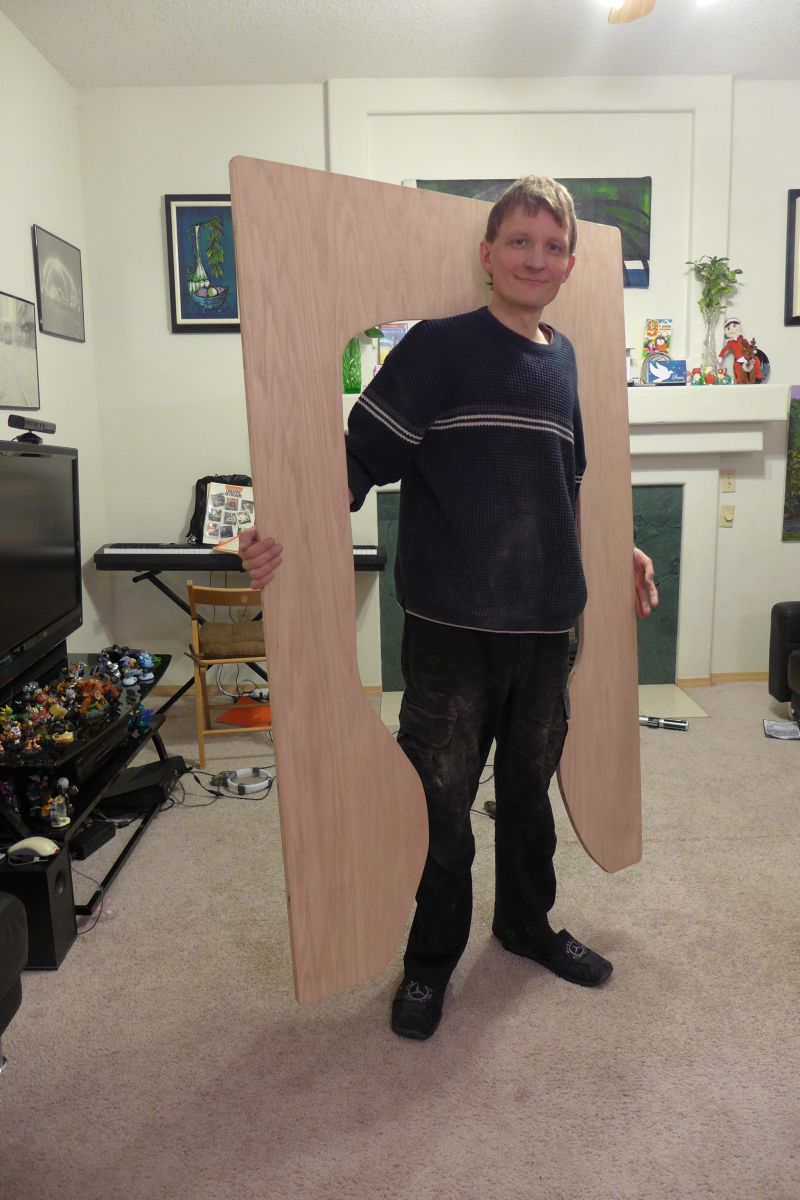
No, this is NOT an elephant toilet!
How do you achieve the World Domination without a descent Doomsday Device?
Sadly (or maybe fortunately), there are no Doomsday Devices in stores
(even in ATF Bureau regulated ones)
That’s fine, I built one from scratch for Halloween.
Here is how it looks in real life:
Watch Demo!
Here is how it looks:
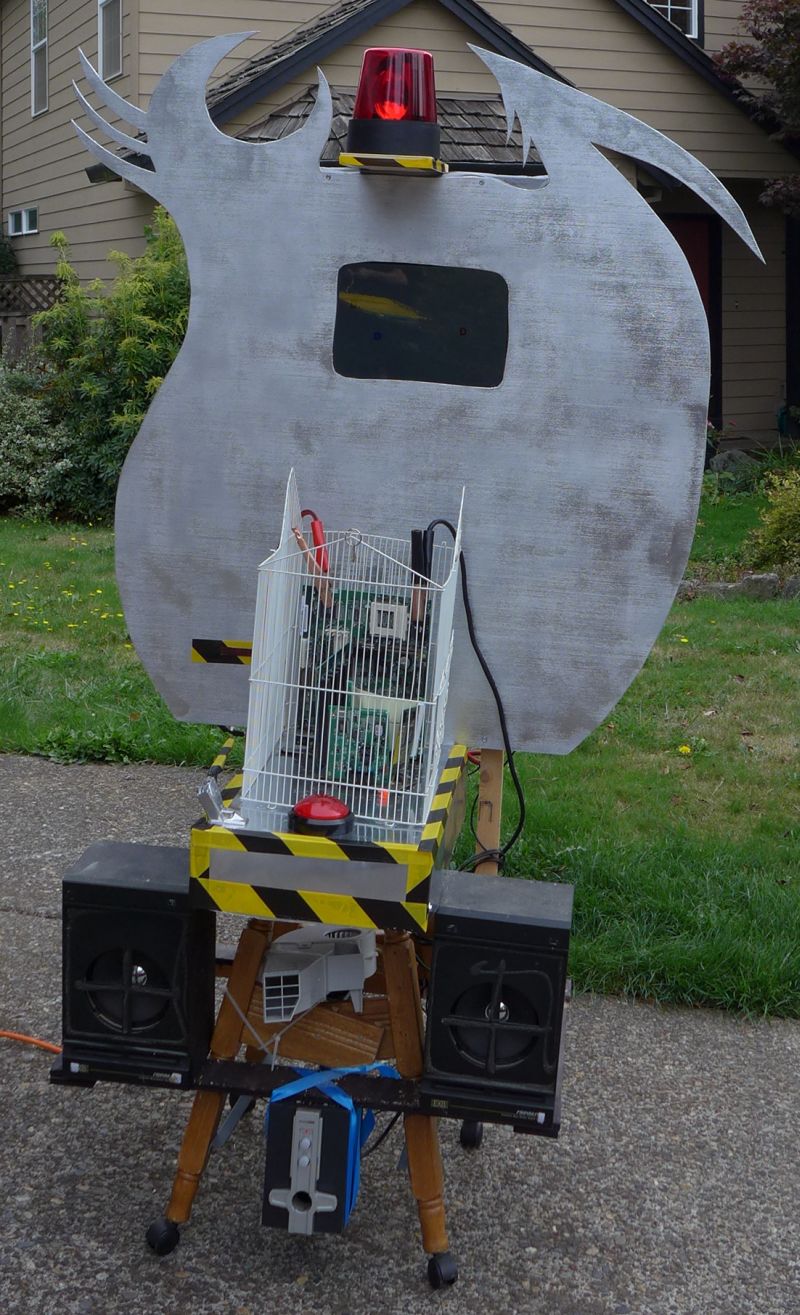
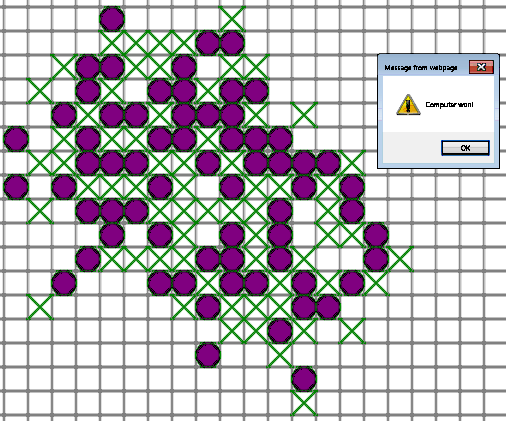
What is cool about it? It is really hard to beat. Computer is really smart! (Well, of course, it is very dumb. However, I know a trick or two to make it look smart)
Why did I make it? I’m teaching Xenia to program, and this is what we practice on.

Gears were designed (well, generated by a plug-in) in Inkscape and milled with CNC.
What is the purpose of this project?
Xenia needed it for school. No, not for science. It is for English writing, believe me or not.
This project was quick and easy, yet the result is so much fun!
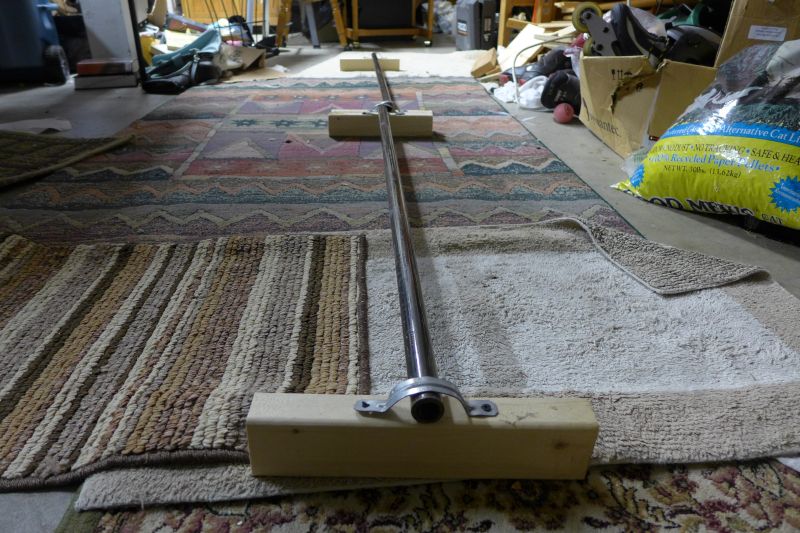
All I needed is 4 x wooden blocks, 2 x 3/4″ steele pipes, 4 pipe hangers and 8 screws. That’s it!
How to create sprite animation on a web page?
Well, there are definitely multiple ways of doing it.
How about being cool?
What do the cool dudes do nowadays?
They write in HTML5 with libraries like KineticJS.
Kinetic provides a quick and easy interface for showing animation.
But there is one problem. It reads all sprites from a single image. Figuring out sprite coordinates is way too boring.
I have a good news for you: I wrote a software to automate it!
Here is the software:
Windows Application for HTML5 Kinetic Sprite Animation Framing
Web Package – Kinetic Sprite Animation
Here are animation example I made with it (art is not mine, I borrowed it from Xenia’s school homework guidelines – perhaps, it came from some book):
How do you make yours?
Sadly, it does not work in Opera. But it works in Google Chrome, Mozilla and IE on my machine.
I had 2 impulsive buying of paperweights collecting dust – TI Stellaris Launchpad and 28byj-48.
The reason for purchase in both cases was dirt-cheap price.
Well, Stellaris is no longer a paperweight – thanks to the guys who wrote Energia
I plug thing together and it did not work. I swapped wires to inputs 1 and 2 and it started spinning. Why is that? I’m not sure, but I have noticed that LEDs on the control board fire in the wrong order, and I foxed it with swapping wires. Now it spins OK.
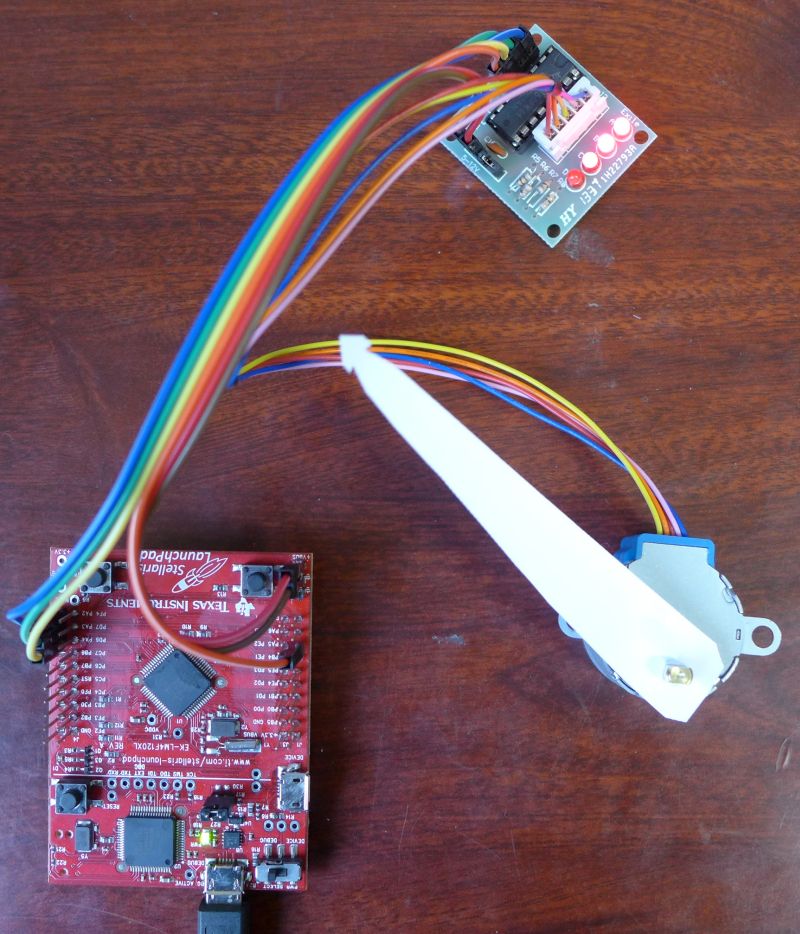
You can see 3 LED ON – it is side effect of digital camera long exposure time. Only 1 or 2 LEDs are ON at a time.
How I’m going to use it? I have no idea. Perhaps, it will go to back to the shelve.
See source code after the break. I did not write it – I found it on the internet and tweaked a bit.
Shooting pistol is fun for a first few hours. Then it is boring. How about shooting a moving target? Sounds like fun!
Here it is!

It is easy to plug a Kinect to PC – all you need is a cheap adapter. Then you can control something with it.
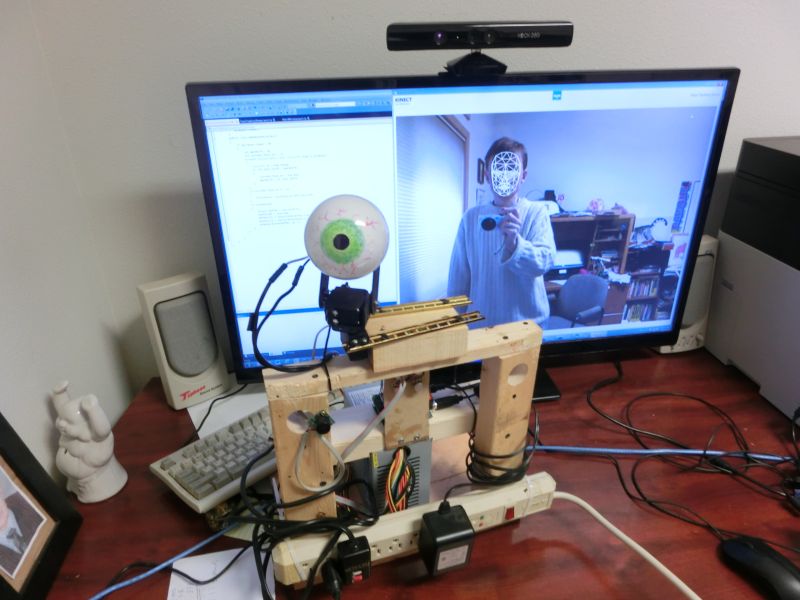
Watch the video:
Kinect-to-Arduino-to-Pan-and-tilt
It takes a little bit of programming, but that’s the fun part.
Kinect code is written in C# and run on Win7/64 PC. I use example from Kinect SDK. Arduino part is written in Arduino C. They communicate via Serial-over-USB.
Sadly, it is little too late for Halloween. Never mind, I already have a REALLY CRAZY idea for the next year!
People are asking for source codes. Sure, no problems!
PC sources include Kinekt project and standalone WinForms project for testing communications with Arduino (testing servo operations from Kinekt is quite inconvinient)
If you want to use Kinekt sources, download the toolkit from MS web site and compare project FaceTrackingBasics-WPF with my sources using something like WinMerge. You will see what did I change.
Arduino part is missing code that checks for non-“0”. But it works. The idea was – if there is bad package, or PC-Arduino get out-of-sync, Arduino shall skip bad data and re-sync. However, code works just fine without it, so I never added the last few lines of code.
(do you remember programming Int14 in MS DOS? That thing required all kind of SW recovery and yet worked unreliably, or maybe I just had some bad hardware). Anyways, I tell to myself: it is not broken, so do not fix it.
Oh, and communication protocol is very simple. PC sends to Arduino 3 bytes over and over:
0x00, X, Y
X and Y are in a range from 1 to 255
Enjoy!